Personal emoji lists
Give each area an identity that is quick to recognize across every screen.
Simple to-do list and reminders
Organize tasks, reminders, due dates, and priorities in a simple to-do list for iPhone, iPad, and Mac—with optional AI agent access when you need it.
Available on iPhone, iPad & Mac · Revocable agent access
Why TaskPort
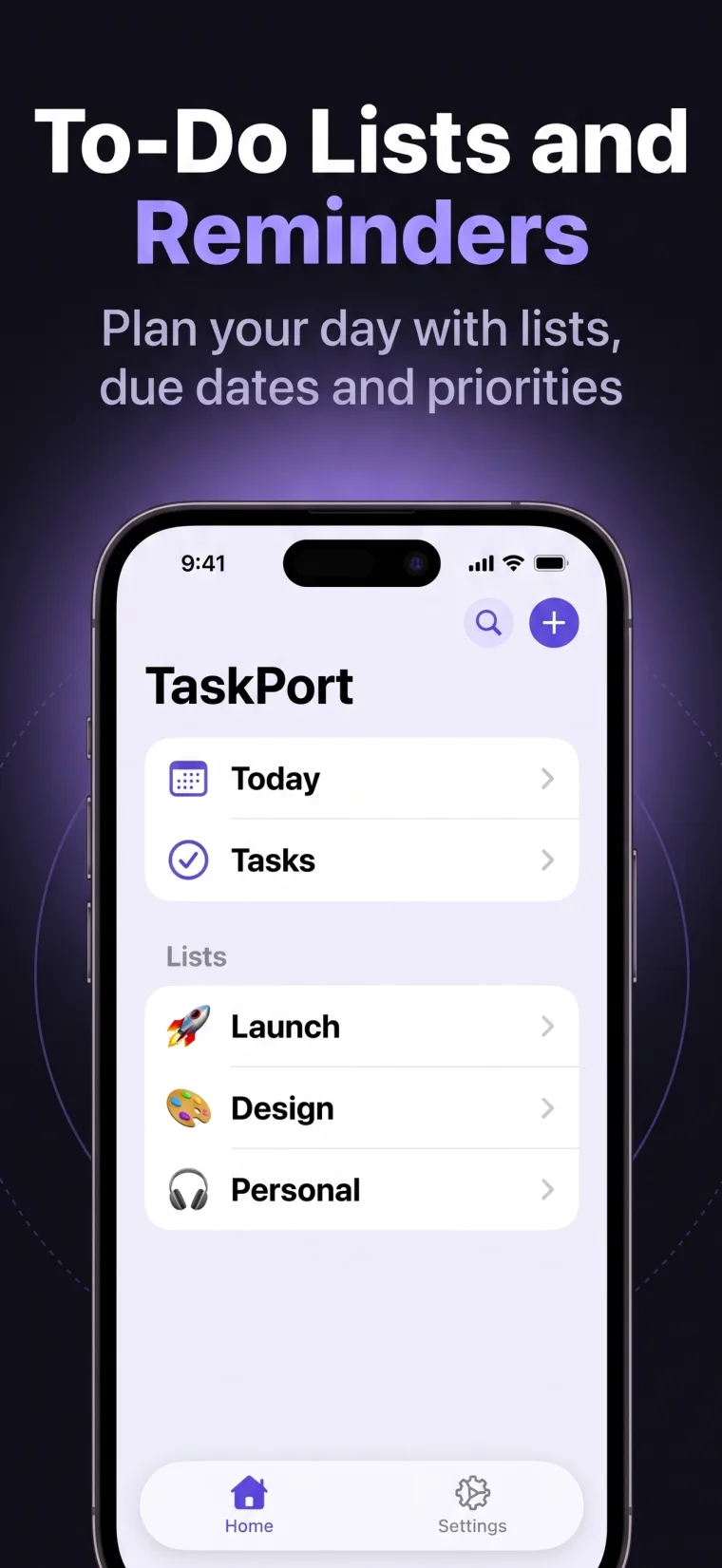
TaskPort starts with the basics people actually use: personal lists, a focused Today view, clear completion controls, task due dates, priorities, and search.
When a task needs more context, open it and add direct subtasks or notes. When it does not, leave it simple. Agent access remains optional and stays out of the way until you choose to use it.
Give each area an identity that is quick to recognize across every screen.
Focus on what is due now or step back to review everything you are carrying.
Add just enough structure to know what matters next without over-planning.
Keep supporting details inside the task instead of spreading them across separate apps.
A controlled workflow
TaskPort keeps the human in control. Every AI agent gets its own access token, permission level, and instant revoke button.
Add the task before you lose it. Choose a list, date, or priority only when they help.
Review the day from one place and complete work with a simple native control.
Break down complex work with subtasks and add notes that stay attached.
Create a revocable MCP token only when you want a compatible agent involved.
Frequently asked
TaskPort connects through standard remote MCP. Support still depends on the agent runtime you choose.
Yes. TaskPort is a complete personal to-do list on its own. Agent access is optional and inactive until you create a token.
TaskPort keeps dated tasks visible through due dates and the Today view. Notification behavior depends on the current app release, so TaskPort does not promise alerts that are not available yet.
Yes. You can reorder work and move tasks between your personal lists.
TaskPort is available on iPhone, iPad, and Mac with no advertising.