Standard remote MCP
Connect from runtimes that support Streamable HTTP, bearer authorization, and remote MCP servers.
Remote MCP task manager
Give MCP-compatible AI agents structured tools for your lists and tasks—without sharing your TaskPort password or surrendering control.
Available on iPhone, iPad & Mac · Revocable agent access
Why TaskPort
TaskPort exposes a remote Model Context Protocol server dedicated to task management. A connected agent can discover clear tools for listing work, reading task details, and—only with permission—creating, updating, completing, moving, or deleting items.
The MCP layer is not a second database. It is a controlled path into the same lists that stay synchronized across your native TaskPort apps.
Connect from runtimes that support Streamable HTTP, bearer authorization, and remote MCP servers.
Agents get structured list and task operations instead of guessing how to manipulate unstructured text.
Read Only tokens advertise only inspection tools, reducing accidental or unauthorized changes.
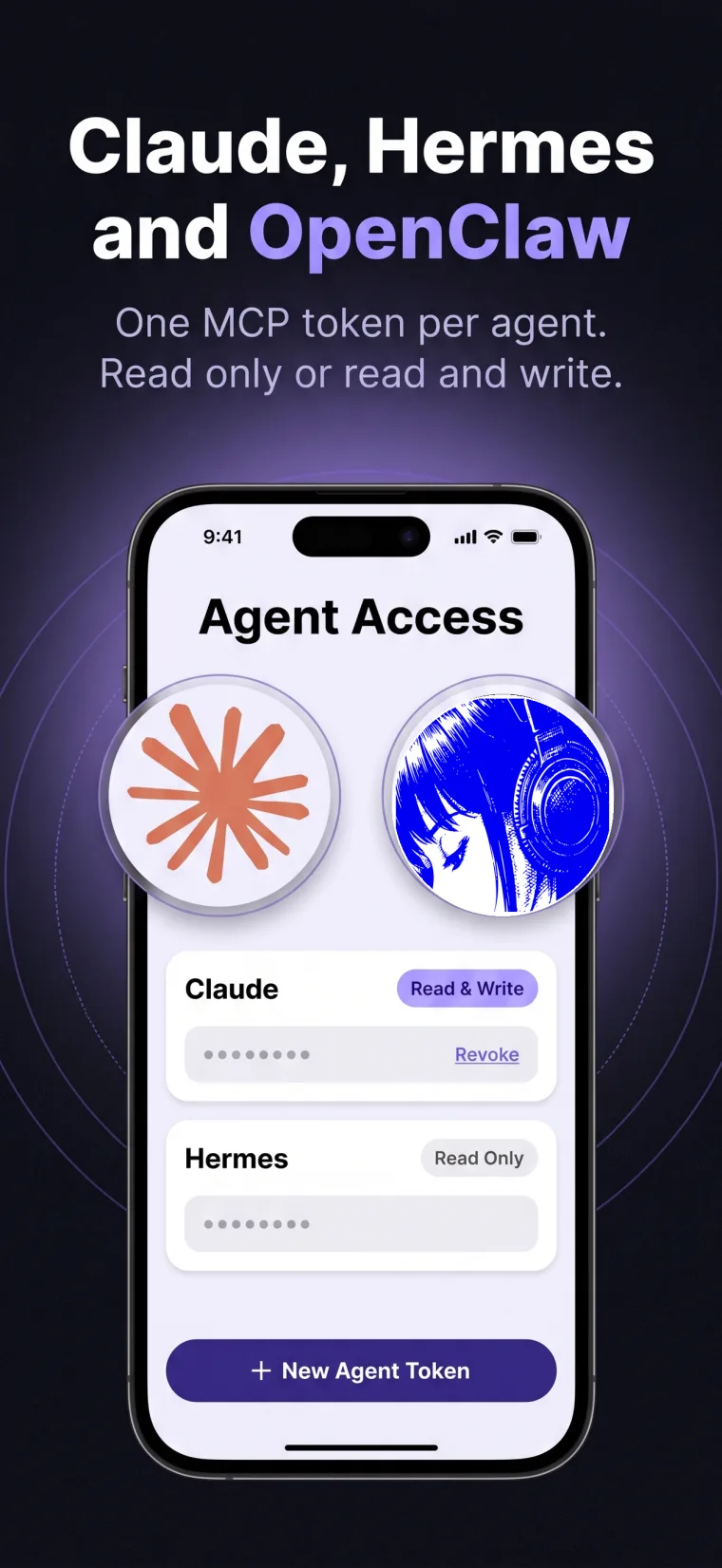
TaskPort shows each complete agent token once, stores only a secure hash, and lets you revoke access immediately.
A controlled workflow
TaskPort keeps the human in control. Every AI agent gets its own access token, permission level, and instant revoke button.
In TaskPort settings, open Manage Agent Access and choose a clear name for the connection.
Select Read Only for awareness, or Read & Write when the agent should actively manage work.
Copy the one-time token into your agent runtime's secret configuration and select the remote HTTP transport.
Ask the agent to list your TaskPort lists first. Expand its work only after you confirm the connection is correct.
Frequently asked
TaskPort connects through standard remote MCP. Support still depends on the agent runtime you choose.
Not currently. Tokens belong to one TaskPort account and provide Read Only or Read & Write access. A list_id filter chooses what to retrieve; it does not restrict what the token is authorized to access.
No. A Read & Write token permits write operations. Approval prompts depend on your agent client or workflow; use Read Only if you do not want the agent to make changes.
TaskPort uses MCP Streamable HTTP with bearer-token authorization. Compatible clients should accept both JSON and text/event-stream responses.
TaskPort exposes a remote MCP server. Your Claude, ChatGPT, Hermes, OpenClaw, or other compatible runtime acts as the MCP client.
It can list your lists, list top-level tasks, and read a task with its direct children. Write tools are not advertised for that token.
Future requests using that token stop authenticating immediately. Other agent tokens remain unaffected.