One source of truth
The task you see on iPhone, iPad, or Mac is the same task your authorized agent sees through MCP.
AI task manager for real work
TaskPort combines a calm daily planner with secure AI task delegation. Keep control on your Apple devices while authorized agents help move work forward.
Available on iPhone, iPad & Mac · Revocable agent access
Why TaskPort
Most AI assistants can suggest what to do next, but the action items often disappear inside a conversation. TaskPort gives that work a durable home: a structured list shared by you and the agents you authorize.
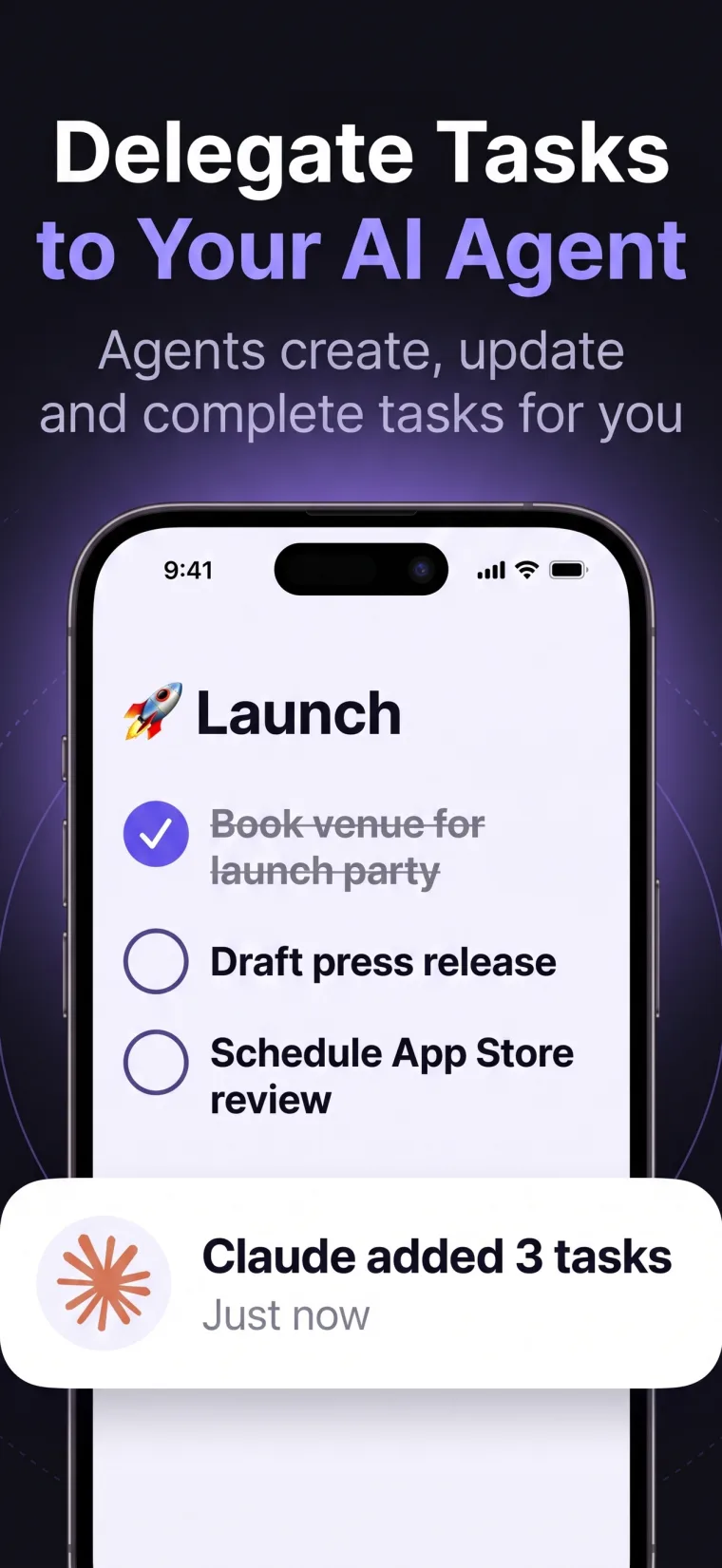
You keep the familiar task manager experience—lists, reminders, due dates, priorities, subtasks, and notes—while compatible agents get Read Only or Read & Write tools to read or update the same information.
The task you see on iPhone, iPad, or Mac is the same task your authorized agent sees through MCP.
Agents create, update, complete, and organize tasks in a visible system instead of a hidden chat thread.
Give a research agent Read Only access and a trusted execution agent Read & Write access.
Use Today, personal lists, due dates, priorities, nested tasks, notes, search, and filters when you plan manually.
A controlled workflow
TaskPort keeps the human in control. Every AI agent gets its own access token, permission level, and instant revoke button.
Create lists and tasks normally. Organize them with due dates, priorities, subtasks, and supporting notes.
Name the agent and choose Read Only or Read & Write. TaskPort generates a separate one-time token.
Add the TaskPort MCP endpoint and token to a compatible agent runtime that supports authorization headers.
See completed and newly created work on every signed-in device. Revoke the agent token at any time.
Frequently asked
TaskPort connects through standard remote MCP. Support still depends on the agent runtime you choose.
A normal to-do app is designed primarily for direct human input. TaskPort keeps that experience and adds a secure MCP interface so compatible agents can work with the same structured tasks under explicit permissions.
No. Agent access is off until you create a token. You choose the permission level, store the one-time credential, and can revoke it whenever you want.
Yes. Each agent gets its own token and its own Read Only or Read & Write permission level.
Compatible agents with Read & Write access can create and update tasks, add direct subtasks, and attach notes through the tools exposed by TaskPort.