
From plan to action
Capture concrete next steps in structured lists rather than copying them between conversations.
Claude task manager
 ClaudeRemote MCP compatible
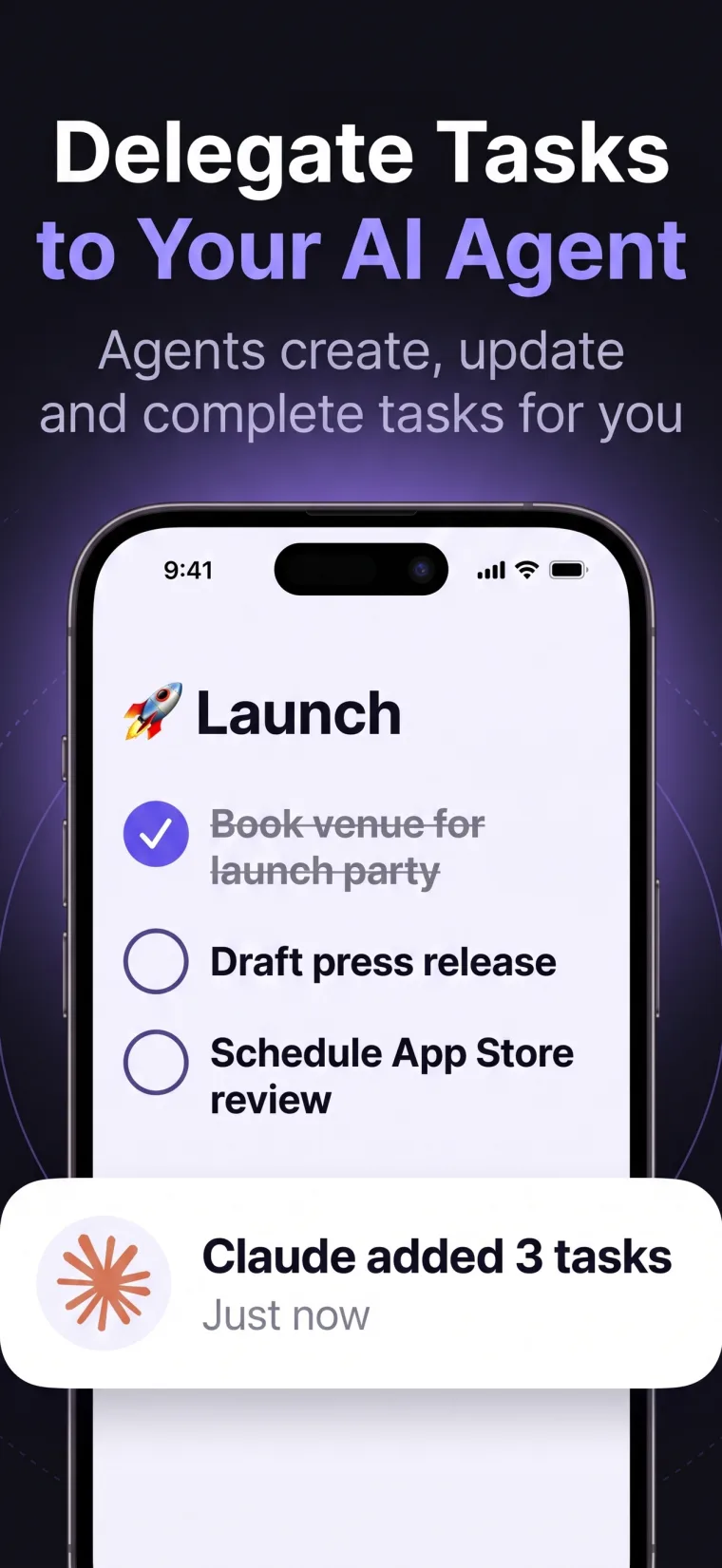
Use a Claude environment with remote MCP support to read or update TaskPort—turning thoughtful plans into trackable tasks across iPhone, iPad, and Mac.
Available on iPhone, iPad & Mac · Revocable agent access
Why TaskPort
Claude can help think through a project, identify next actions, and refine priorities. TaskPort gives those decisions a durable task layer so they remain visible after the chat moves on.
When the Claude environment you use supports remote MCP servers, you can connect it with a TaskPort agent token and choose whether Claude only reads your queue or also updates it.
Capture concrete next steps in structured lists rather than copying them between conversations.
Keep subtasks and notes attached to the work instead of buried in a long transcript.
Use Read Only for planning context or Read & Write when Claude should maintain task state.
Check what changed from TaskPort on your iPhone, iPad, or Mac and remain the final decision-maker.
A controlled workflow
TaskPort keeps the human in control. Every AI agent gets its own access token, permission level, and instant revoke button.
Name the agent in TaskPort and choose the narrowest permission level that fits the workflow.
Put the credential in the Claude environment's supported secret configuration—not in a public prompt.
Use the standard TaskPort MCP URL and bearer authorization in a runtime that supports remote servers.
Ask Claude to list your TaskPort lists, then move into creation or updates only after you confirm the connection.
Frequently asked
TaskPort connects through standard remote MCP. Support still depends on the agent runtime you choose.
No. MCP and remote-server support vary by Claude product, plan, client, and current runtime. Confirm that your chosen environment accepts remote MCP servers and authorization headers.
With Read & Write access, a compatible Claude runtime can create tasks, update them, and add notes through TaskPort's MCP tools.
No. Each agent token is tied to one TaskPort account, and every operation checks ownership.
No. TaskPort is an independent product. Claude and Anthropic marks belong to Anthropic PBC.