
A durable work queue
Move requests out of ephemeral messages and into named lists with explicit completion state.
OpenClaw task manager
 OpenClawRemote MCP compatible
Connect OpenClaw to TaskPort through remote MCP, delegate visible work, and keep a separate revocable token for the agent.
Available on iPhone, iPad & Mac · Revocable agent access
Why TaskPort
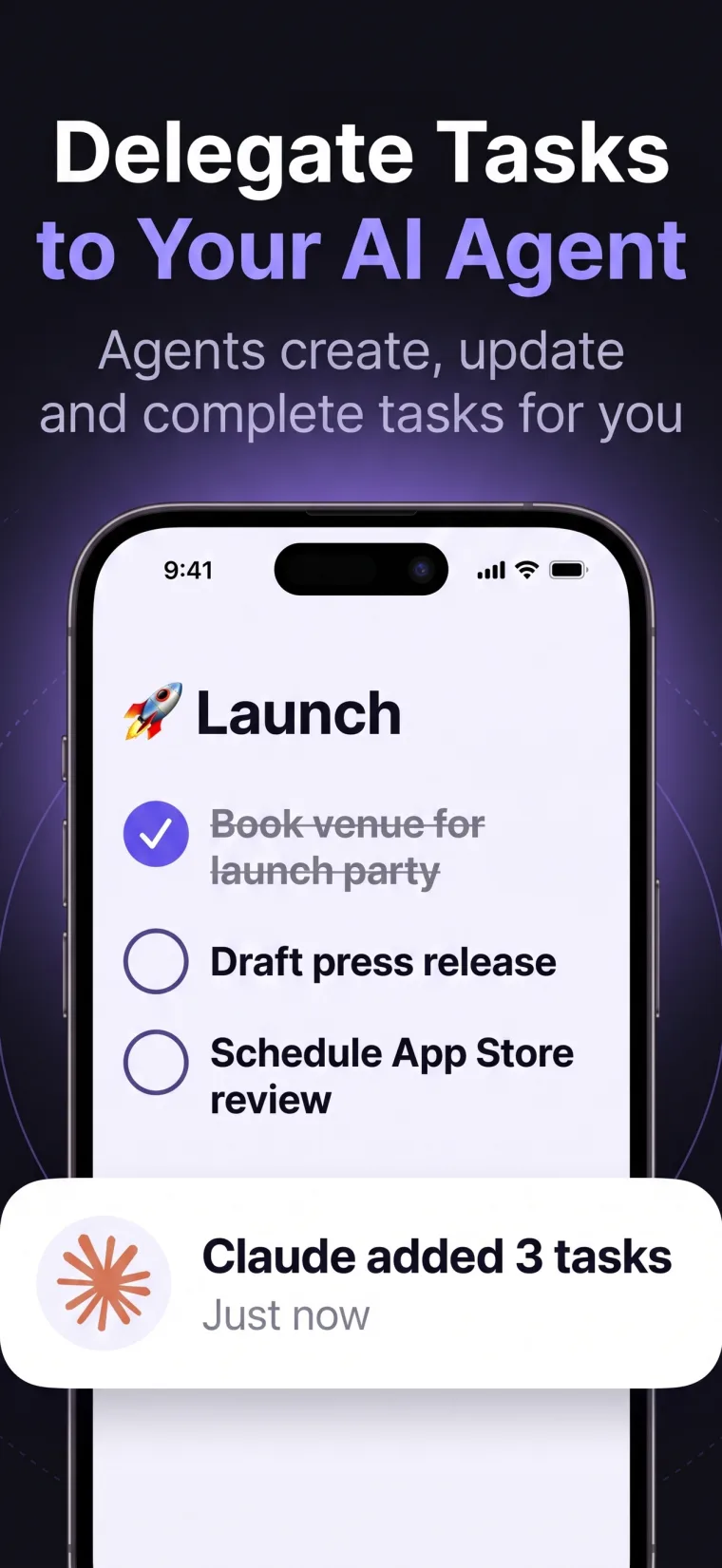
OpenClaw is built to act across tools and channels. TaskPort gives those actions a simple destination: an organized task list that remains readable and editable from your iPhone, iPad, and Mac.
Create an OpenClaw-specific token, decide whether it can only inspect work or also change it, and revoke that connection without touching any other agent.
Move requests out of ephemeral messages and into named lists with explicit completion state.
Use a distinct token for OpenClaw so its access can be managed independently.
Let the agent create, update, complete, and organize tasks through purpose-built MCP tools.
Review every change in the same native TaskPort apps you use to plan your day.
A controlled workflow
TaskPort keeps the human in control. Every AI agent gets its own access token, permission level, and instant revoke button.
Name the connection clearly in TaskPort so you can identify it later.
Use Read Only for status awareness or Read & Write for active task execution.
Configure TaskPort in an OpenClaw environment that supports remote MCP and secret headers.
Ask OpenClaw to work from a specific list, then monitor updates in TaskPort and revoke access when it is no longer needed.
Frequently asked
TaskPort connects through standard remote MCP. Support still depends on the agent runtime you choose.
No TaskPort-specific plugin is required when your OpenClaw setup supports standard remote MCP servers and bearer-token headers.
Yes, when you give its token Read & Write access. A Read Only token cannot change completion state.
Yes. Every agent token is separate, so you can revoke or change your connection strategy independently.
No. TaskPort is an independent product that works with MCP-compatible agent runtimes. OpenClaw is a trademark of its respective owner.